“Digital Archivist Note”
Organizing An Odyssey Collection with Folders
A member asks: We have many collections that fill one or two archival boxes using folders. Some contain correspondence and financial documents organized chronologically. Other sets of folders contain various family members’ papers and, in some cases, pictures or archival objects. I would love to see an example from another History Trust member showing this kind of cataloging. If I could examine a collection like this in in Odyssey Preservation Software I would have a better idea about how to move forward.
- Is it done at item- or folder-level or both?
- Are selected items digitized?
College of the Atlantic System (for now)
All of this is subject to change as we continue to learn about Odyssey. COA has a “Collection” container titled “COA Finding Aids.” All 80-something of our finding aids will be uploaded to this collection as items to start.
Most of these finding aids have no digitized items associated with them, which is why they are all in a container together instead of setting up a collection container for each.
To add the finding aids:
- Download Google doc as PDF.
- Copy metadata from Google doc finding aid into relevant fields for the COA Finding Aid template.
- Upload the PDF as the digital asset for each COA Finding Aid item.
The screenshots below show in sequence how our Finding Aids are accessible to the public from the Explore section of COA’s online archive.
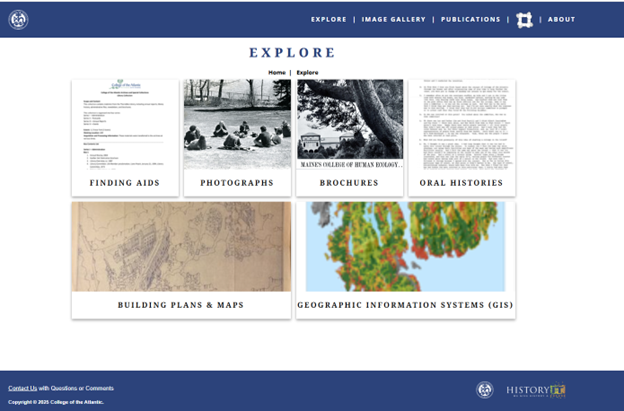
Explore
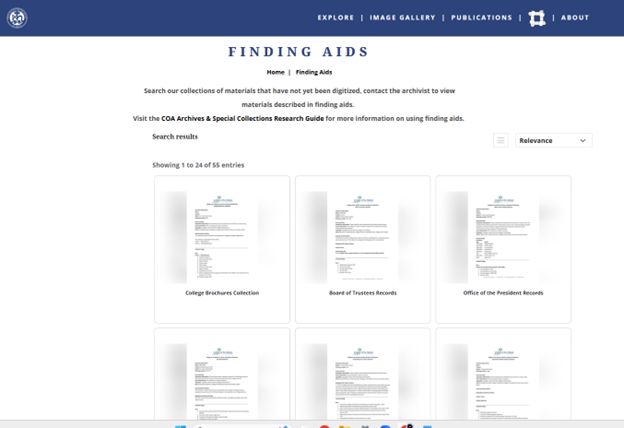
All Finding Aids
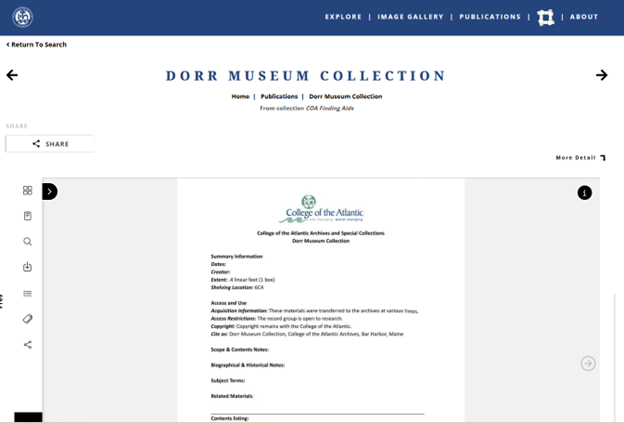
Dorr Museum Finding Aid Summary
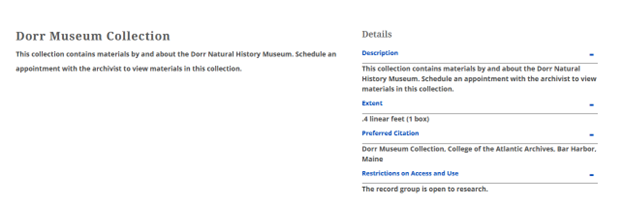
Dorr Museum Collection Item Details
Our digitized records are in Odyssey at the item-level with the digital asset attached. The metadata is not thorough or robust right now so a student project will amend our migrated metadata. When we fix our data, we will connect the finding aid item to the items with digital assets.
To do that, the finding aid item will be moved from the COA Finding Aids container to the appropriate collection container. For example, the Dorr Museum Collection finding aid will be moved from COA Finding Aids into COA Dorr Museum Collection. As more items are digitized from the finding aid, they will all go into that same container.
You can set up sub-containers in Odyssey (series, sub-series, box, folder, etc.) which serve as a back-end organization but are not displayed on the public site. Sub-containers will be helpful for setting up exhibits, featured collections, the explore page, and the publications page. The containers can be used to make specific search forms to display the items you want the public to see.
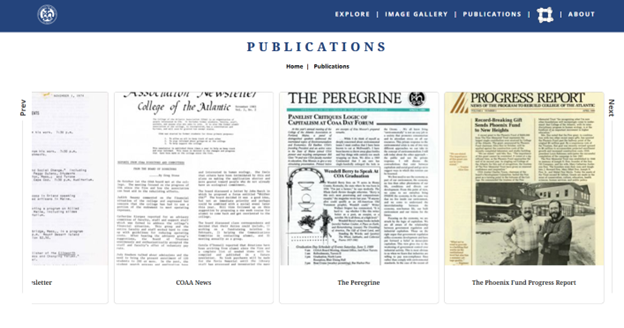
Below are a few screenshots of our College Publications Collection which has Series containers. The first four are from within Odyssey and last is how site visitors might see an item in the series.

COA College Publications Collection
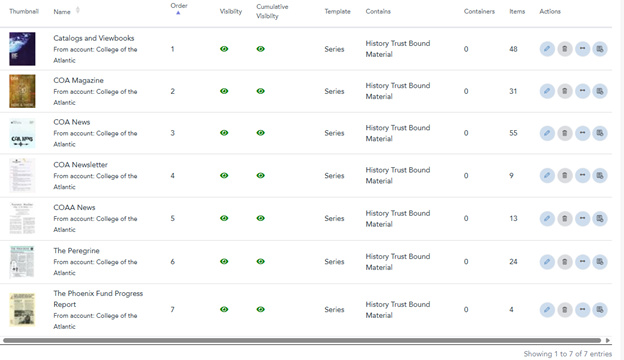
All series in the collection
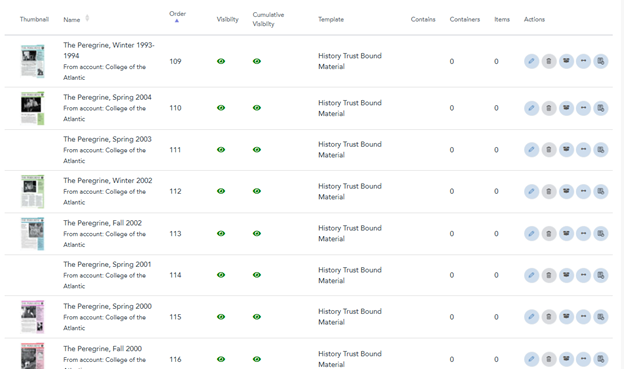
“Peregrin” series
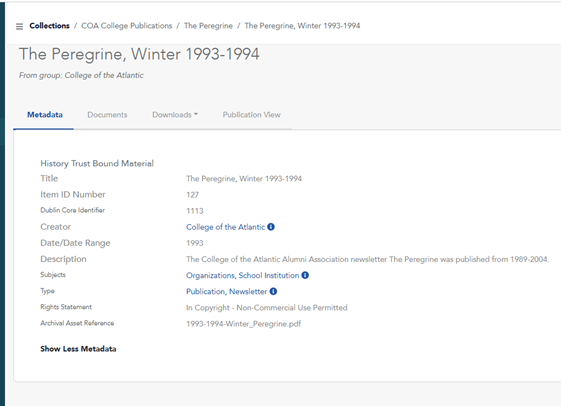
“The Peregrine, Winter 1993-1994” item
Item displayed on COA online archive.