
“Digital Archivist Note”

How to Suggest New Odyssey Biography Filters
After you Set Up A Biography Page you will have only one filter, which will display biography profiles for people associated with your organization. To add more complex filters, go to the “Lists” tab and select the “Profile Group Filter” authority list.

Go to the “Add Entries” tab and fill out the title. Add other data, if you like.
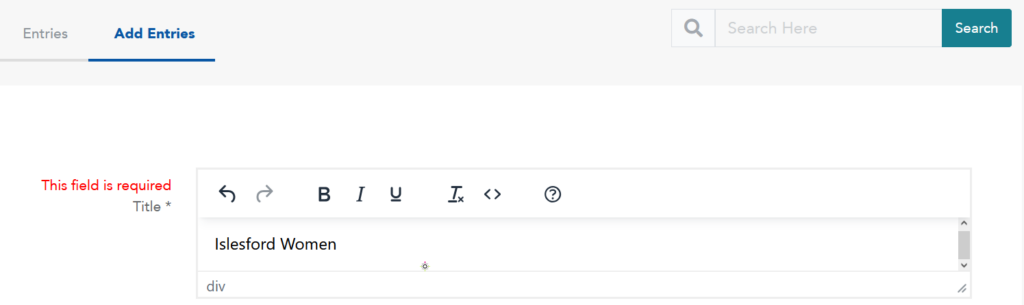
Once you are done, click the ‘Suggest’ button.

Once the suggestion has been accepted, you should receive an email from the History Trust adminstrators. After you have confirmed that your filter has been added, you can request your filter be added to specific people: navigate to the Person List:

Search for people that you would like to have your new filter. In this example, we want Joy Sprague to be part of the Islesford Filter, so we click edit on Joy Sprague.

Scroll down to the Profile Filter, and add the new filter.

You can also use this page to request changes/additions to other metadata, but please do this separately to avoid confusion. Scroll down to the bottom and click ‘Suggest’. Assuming there are no issues and your suggested filter additions are accepted, you will be able to use more refined searches.

Reminder: The Odyssey Data Dictionary is a quick reference for History Trust members using Odyssey Preservation Software. We highly recommend using this as a reference for completing the metadata fields in profiles.
